Console Search
Console Search is a search dialog that opens over any page in the Descope Console. Use it to reach a page or a resource without going to the sidebar, or to start an action such as inviting a user.
Opening Console Search
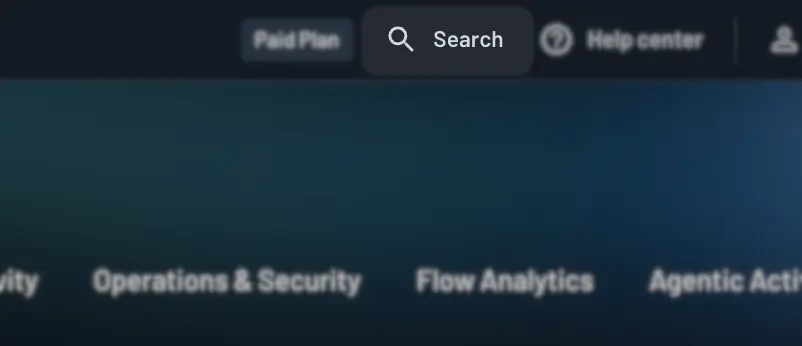
Press cmd + k on macOS, or ctrl + k on Windows and Linux. You can also click Search in the top bar of the Console.
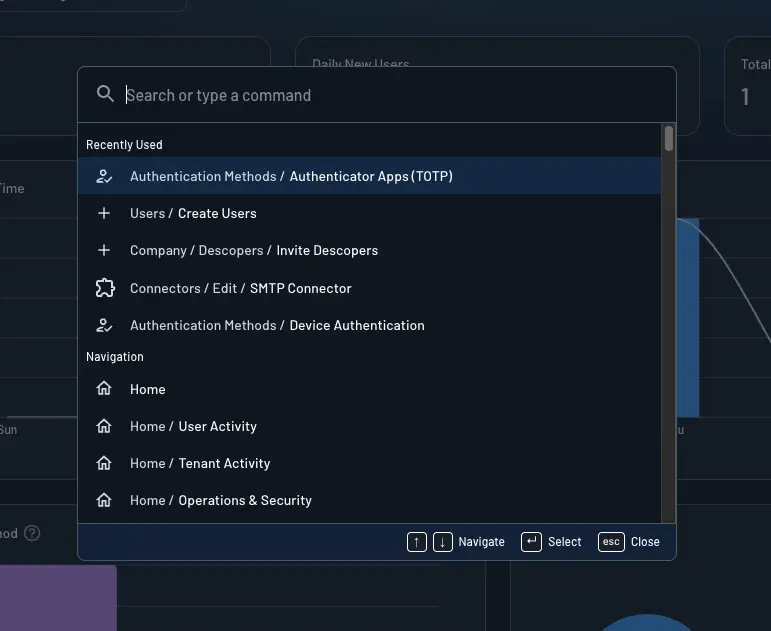
The dialog opens with a Recently Used section listing the last commands you ran.
Navigating to Pages
Type part of a page name to find it. Console Search covers every page and sub-page in the Console.
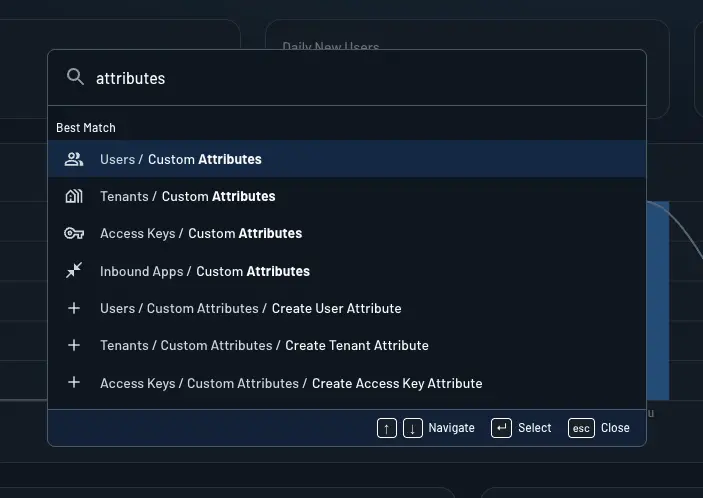
Each result carries a breadcrumb showing where the page sits, so you can tell apart pages that share a name. Searching for attributes, for example, returns both Users → Custom Attributes and Tenants → Custom Attributes.
Finding Your Own Resources
Console Search also matches resources in your project by name:
- Flows
- Connectors
- SSO applications
- MCP servers
- JWT templates
- Lists
Selecting a result opens that resource. Typing a project name returns a Go to <project name> result that switches you to that project.
Running Actions
Results include actions as well as pages. Selecting Invite User takes you to the Users page and opens the invite dialog for you. Actions cover the create, invite, import, and export operations across the Console.
Actions match alternate wording, so New User, Add User, and Create User all return the same result.
Keyboard Navigation
| Key | Action |
|---|---|
cmd + k / ctrl + k | Open Console Search |
up / down | Move between results |
enter | Run the selected result |
esc | Close Console Search |
Results and Permissions
Console Search shows only the pages and actions your Descoper role permits. If your role grants view access to a section but not edit access, the page itself appears in results while its create and edit actions do not. See Descoper Roles for how these roles are assigned.
Note
Pages you have hidden with Sidebar Preferences still appear in Console Search. Sidebar Preferences change the sidebar only.