Inbound Apps
An Inbound App is an OAuth application that is used for calling your APIs or MCP servers. They are not typically used for your own users to sign into your own applications.
You can think of Inbound Apps as a way to add "Sign in with Your App" to a third party application.
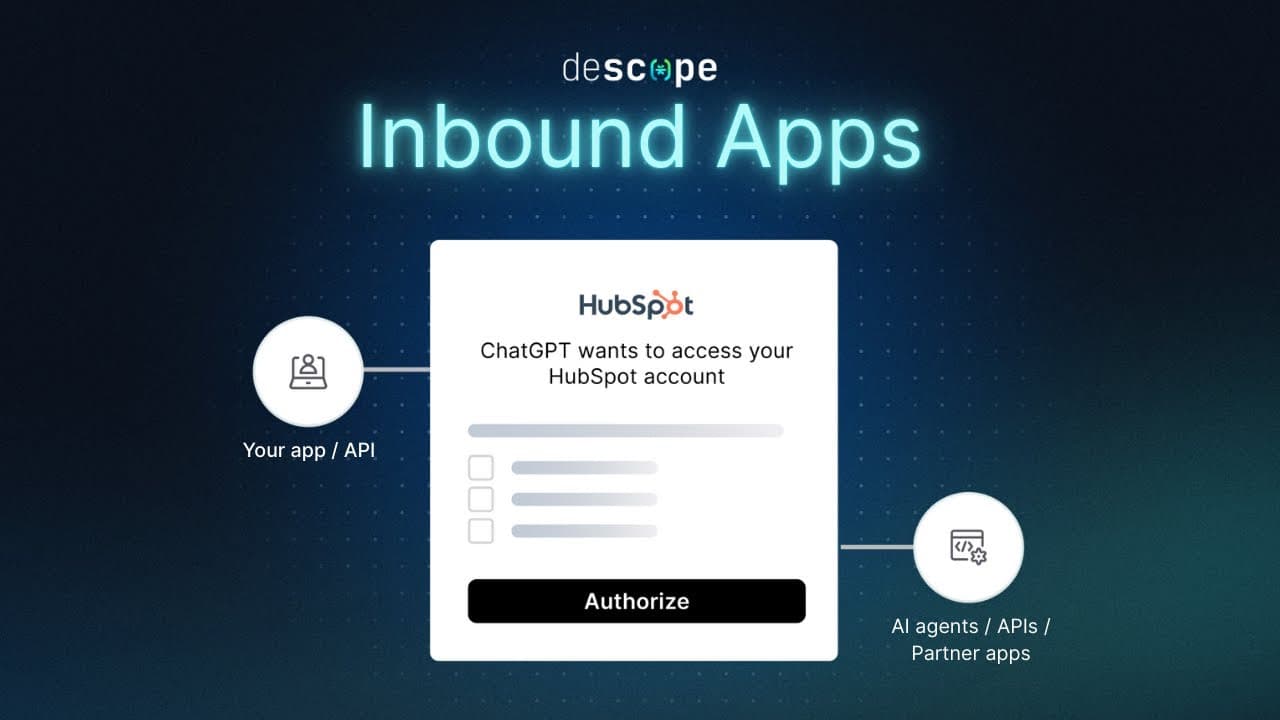
Two kinds of callers need an Inbound App:
- A third-party application that acts on a user's behalf. Before the app gets a token, the user (or a tenant admin) has to approve specific scopes through a consent flow.
- An M2M client that needs a token with a defined set of scopes and permissions, with no user in the loop.
In both cases the token grants a specific set of scopes on specific Resources. A Resource is an API or MCP server you have protected with Descope.
Policies decide which scopes an Inbound App can receive on each Resource. It helps to think of policies and consent as two layers. Policies set the ceiling. Consent lets a user approve some or all of what fits under that ceiling. A user can never consent to a scope a policy does not allow, which makes policies the admin-level boundary and consent the user-level one.
Two ways to use Inbound Apps
AI agents use the same two paths: user-delegated when acting for someone, M2M when running on their own. An Agentic Client is an Inbound App organized under Clients for agent-specific management.
Inbound Apps vs Federated Apps
Note
If your users just need to log in to your own application with Descope, use Federated Apps or our embedded flows. Inbound Apps are not for that.
People mix these two up. The difference comes down to who is logging in and where the token ends up.
A Federated App is for first-party login. Your users authenticate with Descope once, and Descope establishes a session in your web app, mobile app, or internal tool over OIDC or SAML.
An Inbound App is for someone else's code calling your APIs. The token does not create a session in your product. It authorizes a partner app, a marketplace integration, an agent, or a backend service to call the Resources you operate, within the scopes that policies and consent allow.
| Inbound Apps | Federated Apps | |
|---|---|---|
| Purpose | Third-party or M2M access to your protected Resources | First-party sign-in to applications your users already use |
| Typical caller | Partner app, marketplace integration, agent, backend service | Your web app, mobile app, or internal tool |
| Access model | OAuth scopes on Resources, enforced by Policies and consent | SSO over OIDC or SAML. The user authenticates once with Descope |
| Token use | Call APIs and MCP servers you operate | Establish a session in the federated application |
When to Use Inbound Apps
Third-Party Access with Consent
When an external application asks for access on a user's behalf, Descope runs a consent flow. The user sees the scopes the app is requesting and approves them, but only the scopes a policy already permits ever show up. You can also give consent an expiry so the user has to re-approve after a set period.
Example: A freight platform lets a logistics partner read shipment status through its API but not financial data. The partner's Inbound App can only request the shipment scopes, and the shipper approves those scopes during consent.
Scoped M2M Access
Backend services and automated jobs need tokens too, but nobody is there to click through a login. An M2M client uses the client_credentials grant to get a token directly. The Policy attached to that client decides what scopes the token carries, so every service gets exactly the access you defined for it and nothing more.
Example: A monitoring service uses an Inbound App to pull usage metrics from your API. Its policy grants a read-only metrics scope and nothing else.
AI agents
An AI agent is not a separate case. It is a third-party application, and it fits one of the two patterns above:
- Acting on a user's behalf: authorization code grant plus consent, the same as a partner app.
- Acting autonomously:
client_credentialswith its own identity, the same as an M2M client.
Either way, a Policy delegates a specific set of scopes on each Resource to the agent. The agent never gets open-ended access to your backend or your MCP servers.
Example: A sales assistant agent calls a CRM MCP tool with a read-only deal scope, approved by the salesperson at consent time. A nightly batch agent syncs records using M2M credentials with a fixed scope set and no user involved.
Inbound Apps and Clients
A Client in the Agentic Identity Hub is an Inbound App under the hood. Same OAuth client, same Resources, same Policies, same authorization server.
The reason is the one covered above. An agent is a third-party style caller. It either acts for a user with consent or acts on its own with M2M credentials, and it gets its permissions through a Policy rather than by logging in as a first-party app. That is exactly the model Inbound Apps implement, so agents reuse it instead of getting a separate one.
The Console splits them into two pages for organization only. Clients is a filtered view that shows agents and MCP clients. Inbound Apps shows every OAuth client in the project, agentic or not. This keeps partner apps and marketplace integrations from getting mixed in with your agents.
| Where you create it | Listed under Inbound Apps | Listed under Clients |
|---|---|---|
| Identity Federation, Inbound Apps | Yes | No |
| Agentic Identity Hub, Clients | Yes | Yes |
Creating a client in the Agentic Identity Hub marks it as agentic, so it appears in both lists. Creating an Inbound App here does not, so it appears only under Inbound Apps.
These pages document the settings both share. For agent-specific behavior (registration methods, MCP consent, tags for policy matching), see Clients.
How Inbound Apps Work
Inbound Apps support many grant types, and can be used in many different ways. For more detailed information on all of these, you can refer to our doc on using Inbound Apps.
The most common use case for Inbound Apps is user consent with authorization code flow. Therefore, this is the authorization code path, where a third-party app acts on a user's behalf:
- The third-party application redirects the user to Descope's authorization URL.
- The user logs in through Descope, reviews the requested scopes, and grants consent for a set duration.
- Descope issues an authorization code and redirects the user back to the application.
- The application exchanges the code for an access token at Descope's token endpoint.
- The application sends the access token with each API request. Your API validates the token and enforces its scopes.
M2M clients will typically skip steps 1 through 3. Instead, they simply call the /token endpoint directly with client_credentials or jwt_bearer grant types, to retrieve an access token.
For a step-by-step guide, see Configuring an Inbound App.
Inbound Apps Documentation
- Resources: API and MCP Server resource definitions
- Grant Types: authorization code, client credentials, JWT bearer, token exchange, refresh, and CIBA
- Creating Inbound Apps: set up an Inbound App in Descope, including importing existing client credentials
- Consent Flows for Inbound Apps: build user and tenant consent experiences in Flows
- Authorization server endpoints: OAuth
/authorize,/token,/revoke, and/userinforoutes, with the API reference - Using Inbound Apps: use Inbound Apps in your application
- Developing APIs with OAuth: Resources, Inbound Apps, and where to validate tokens
- Session validation: enforce
aud,scope, and claims on your API - Use Cases for Inbound Apps: multi-tenant authentication, agentic auth, and an OAuth marketplace
To see Inbound Apps in a working app, try the 10x-CRM Sample App.