Audit Trail Streaming
Descope allows you to stream audit logs to third-party services like AWS S3 and Datadog using connectors. This enables enhanced storage scalability, improved data resilience, and access to advanced analytics tools.
Audit Streaming with Connectors
Set up connectors to stream your audit trail to third-party services. To view available options, search for audit on the Connectors page in the Descope console.
AWS S3 Example
Configure the Connector
Configure the AWS S3 Connector according to the instructions in the AWS S3 Connector Doc.
Viewing Audit Objects in Amazon S3
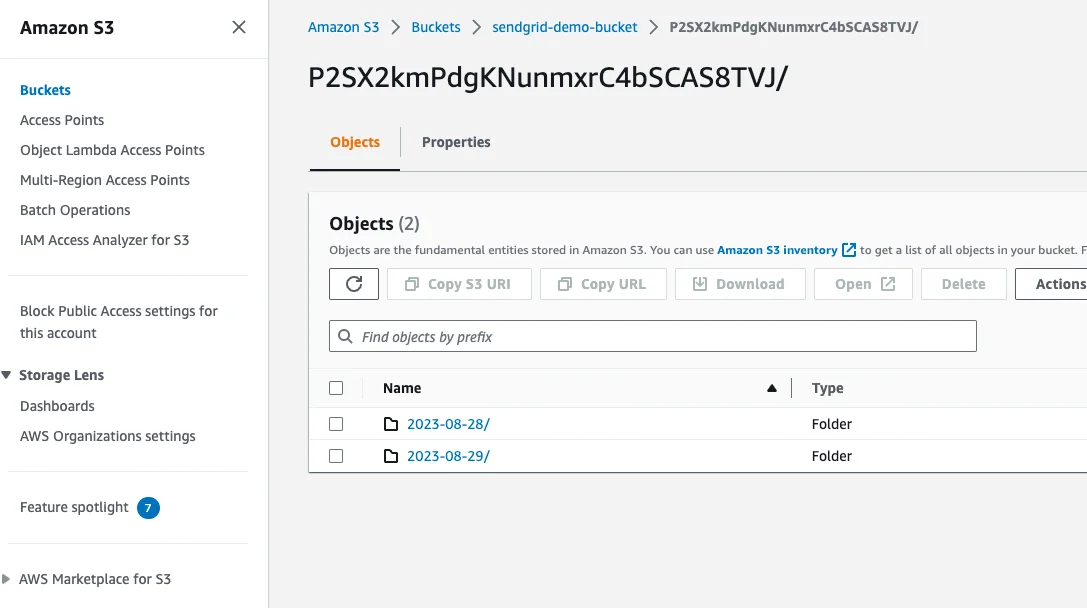
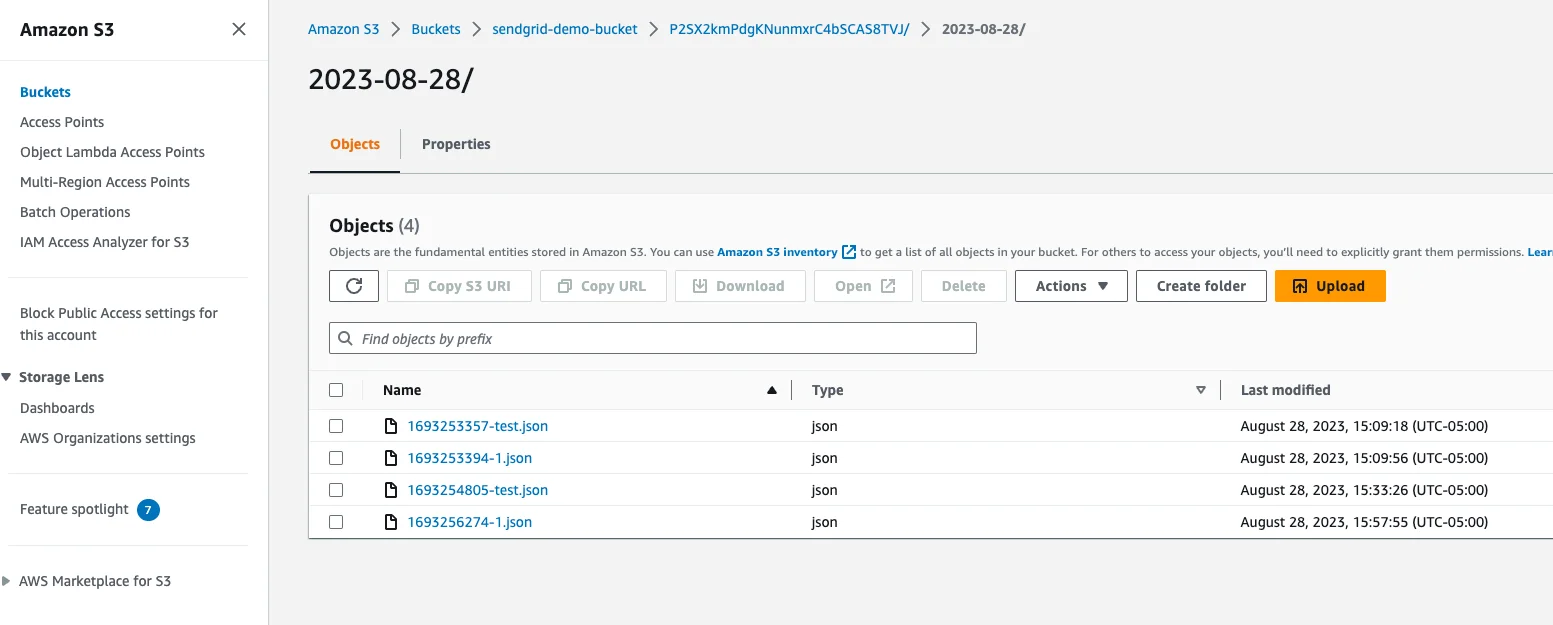
After configuring the connector, Descope Audit trails are stored in S3 as JSON objects. These objects are organized by project ID and date. You can open any object to view its details.
Audit Event remoteAddress Field
Streamed audit events carry the originating client IP address in a top-level remoteAddress field, so you can read it without parsing request headers or digging into the nested data payload:
{
  "type": "LoginSucceed",
  "userID": "U2ESG1VEKbTdXnKk1AX3",
  "externalIDs": ["jane.doe@company.com"],
  "occurred": "2024-09-10T14:22:05Z",
  "method": "otp",
  "remoteAddress": "203.0.113.42",
  "data": {}
}
Events that Descope cannot associate with a client IP either carry an empty value or omit the field.
Field Naming by Destination
Connectors that prefix log fields apply their prefix to remoteAddress as they do to every other field. The default prefix is descope., which you can change or remove in the connector configuration.
| Destination | Field name |
|---|---|
| AWS S3, Audit Webhook, Mixpanel | remoteAddress |
| Datadog, Splunk, Google Cloud Logging, New Relic, Cribl, OpenTelemetry | descope.remoteAddress |
| Sumo Logic | descope_remote_address |
remoteAddress is never masked, even when Mask PII Data is enabled on the connector. See Masking PII in Audit Logs.
Managing Streaming Errors
Error Notifications
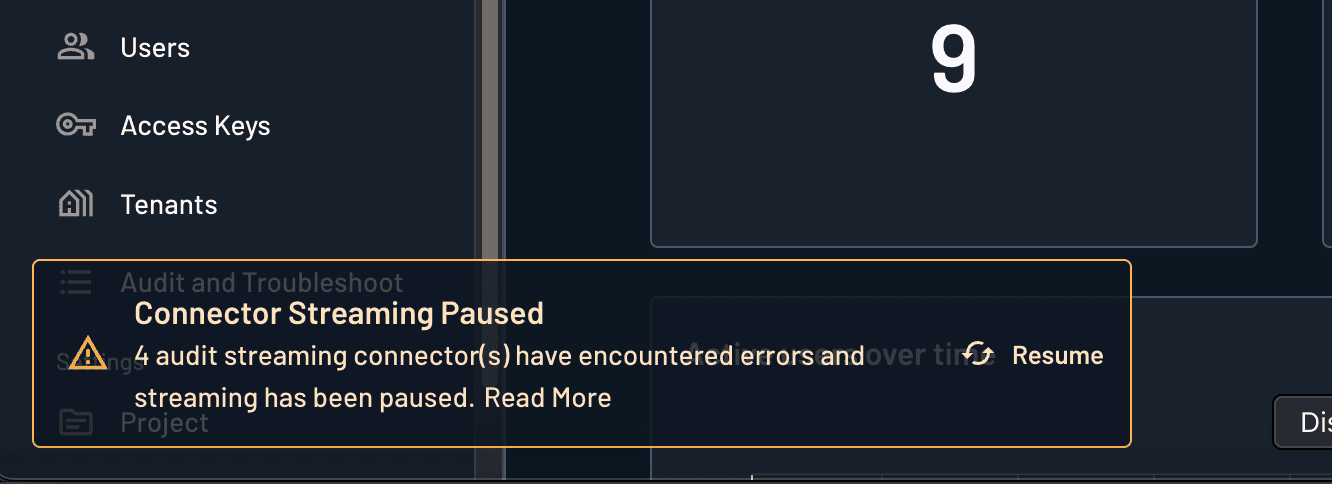
The audit streaming connector will be automatically paused if the endpoint returns non-2xx HTTP status codes (such as 4xx or 5xx errors) multiple times consecutively. This is a protective measure to prevent continuous failed delivery attempts.
When an audit streaming error occurs, Descope displays a toast notification in the console to alert you of the issue. This notification provides quick access to investigate and resolve the problem.
Dismissing Error Notifications
If you're not ready to address a streaming error immediately, you can dismiss the toast notification:
- When the streaming error notification appears in the console, locate the dismiss button (typically an "X" or close icon)
- Click the dismiss button to close the notification
- The notification will be removed from view, allowing you to continue working
- You can still access the Connectors page later to review and resolve any streaming issues
This allows you to manage your workflow without being interrupted by error notifications while still maintaining the ability to address connector issues when convenient.