Storing Session Tokens
Session tokens (JWTs) authenticate requests from a client to your backend. If one is compromised, an attacker can impersonate that user and reach protected resources — so how you store and expire them matters.
Set Session Token Expiry Time
Under Session Management, Session Token Timeout controls how long a session token stays valid before it must be refreshed with a valid refresh token.
A shorter timeout shrinks the window if a token is leaked, but means more frequent refreshes. Pick a value that balances security with how often you're willing to refresh for your users.
Session Token Management
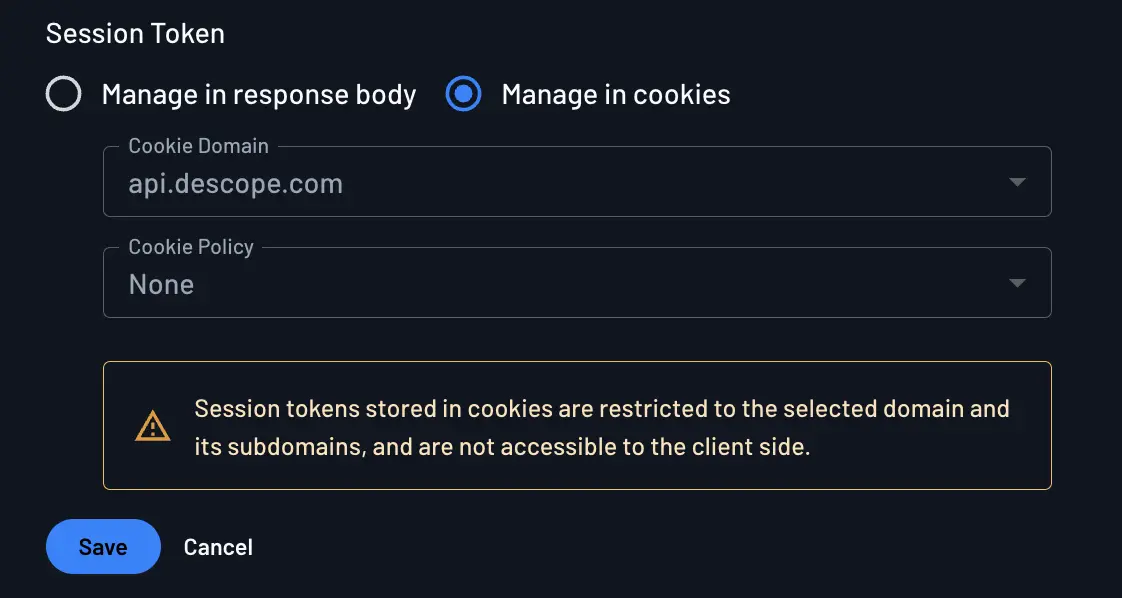
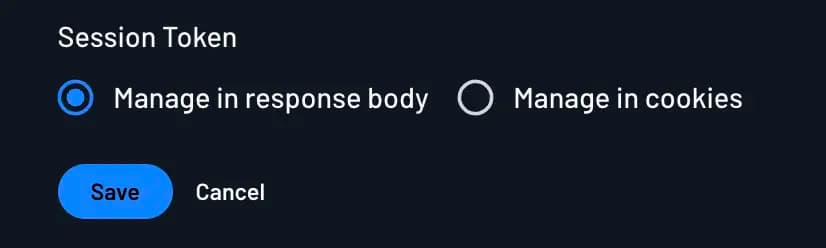
In your project configuration, you can deliver the session token in two ways: manage in cookies, or manage in response body.
Managing with Cookies
Note
Managing session tokens in cookies requires a custom domain.
When you manage session tokens in cookies, Descope sets them for you as secure HttpOnly cookies on your custom domain. Because JavaScript can't read HttpOnly cookies, this is the stronger option against XSS in production.
Those cookies are also SameSite=Strict and Secure by default, which helps with CSRF protection and ensures they're only sent over HTTPS. You can adjust cookie policy under Session Management — see also Cross-Site Cookies.
Limit the cookie domain as much as you can. If the cookie only needs to go to app.example.com, scope it there rather than to the entire example.com site. For cookie names (DS by default) and how to customize them, see Custom Cookie Names on the End action.
Testing locally
If cookies are tied to your custom domain, localhost won't match and you may see 401 Unauthorized while developing. Use Local Testing Tokens to set up separate developer environments.
Managing with Response Body
With this approach, the session token comes back in the API response and your app stores it — for example in memory or localStorage. That's convenient for local development and gives you direct control over the token lifecycle.
The tradeoff is XSS exposure: anything in localStorage or reachable JS memory can be read by a malicious script. Prefer cookies for production web apps when you can.
Storing Refresh Tokens
A guide and overview of how refresh token storage works with Descope and how to ensure you manage it securely.
M2M Security
Security philosophy behind machine-to-machine (M2M) authentication using the client credentials flow or Descope Access Keys to exchange for JWTs with Descope.