Flows
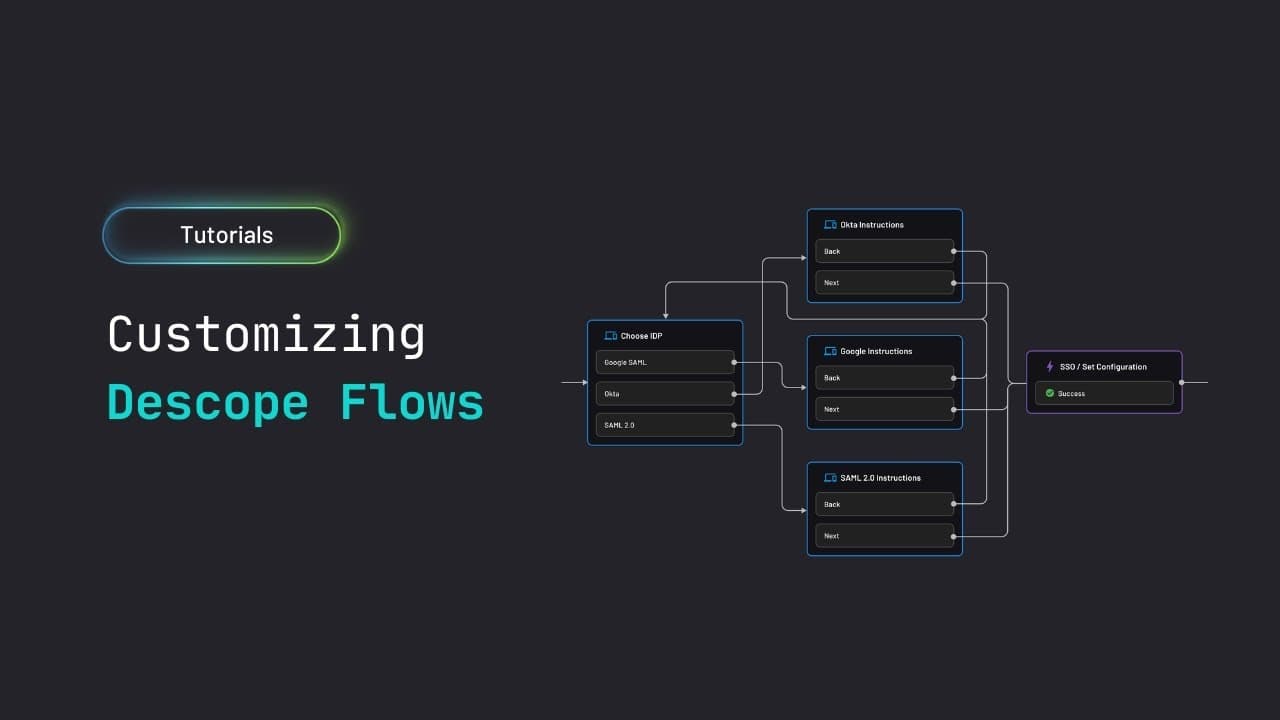
Descope Flows are visual, drag-and-drop workflows designed to simplify the creation of user authentication journeys, built in the Descope Console.
With flows, you draw arrows between blocks on the canvas. There is no separate "orchestration" layer — the flow is the orchestration. By abstracting complex authentication logic, Flows enable developers to build secure, customizable user journeys without writing any code.
The entry point is the flow itself (selected by flow ID within your app's SDK integration) or using Descope as a federated identity provider, and the output is a Descope session token (JWT) issued at the end of the flow.
There are two types of flows in Descope:
- Interactive Flows: User-facing authentication flows that handle login, registration, password reset, and other user interactions
- Management Flows: Backend automation flows for administrative tasks, user management, and system integrations
Throughout most of the documentation, typically when we refer to "flows", we are referring to Interactive Flows. For more information on Management Flows, see Management Flows.
Why Use Flows?
Flows provide several key advantages over traditional authentication implementation:
- Rapid Development: Build complex authentication sequences in minutes instead of weeks
- Security First: Built-in security best practices and automatic updates
- Consistent UX: Maintain a uniform experience across your application
- Easy Maintenance: Update logic without deploying code
- Flexible Integration: Works seamlessly with your existing tech stack
Flow Components
Flows are constructed using a drag-and-drop Flow Builder, by connecting the following four types of building blocks together:
-
Screens - the UI layer.
- Each screen is a form that collects user input — login credentials, profile fields, MFA codes, consent checkboxes.
- You design screens with a component editor (text inputs, dropdowns, buttons, images) and they're rendered by Descope's client SDK in your app or on our hosted page.
-
Actions - the logic layer.
- An action performs a single task: authenticate with email/password, send an OTP, verify a magic link, create a user, update user properties, assign roles, add custom claims to the JWT, and more.
- Each action has configurable error handling — Automatic (return to previous screen with error), Mitigate (silently continue), Continue (pass error to next step), or Ignore.
-
Conditions - the branching layer.
- A condition evaluates one or more expressions against dynamic values from the flow context (user attributes, form inputs, device info, risk scores, connector responses, JWT claims) and routes the flow down different paths.
-
Connectors - the integration layer.
- A connector makes an HTTP request to an external service during the flow — call your backend API, query a database, send a notification, validate data with a third-party service.
- Connector responses are stored in the flow context and accessible by subsequent conditions, actions, or screens.
Two additional building blocks that round out a typical flow are:
-
Scriptlets: These let you write custom JavaScript inline within a flow for data manipulation (string formatting, hashing, date math, conditional logic).
-
Subflows: These let you embed one flow inside another for reuse.
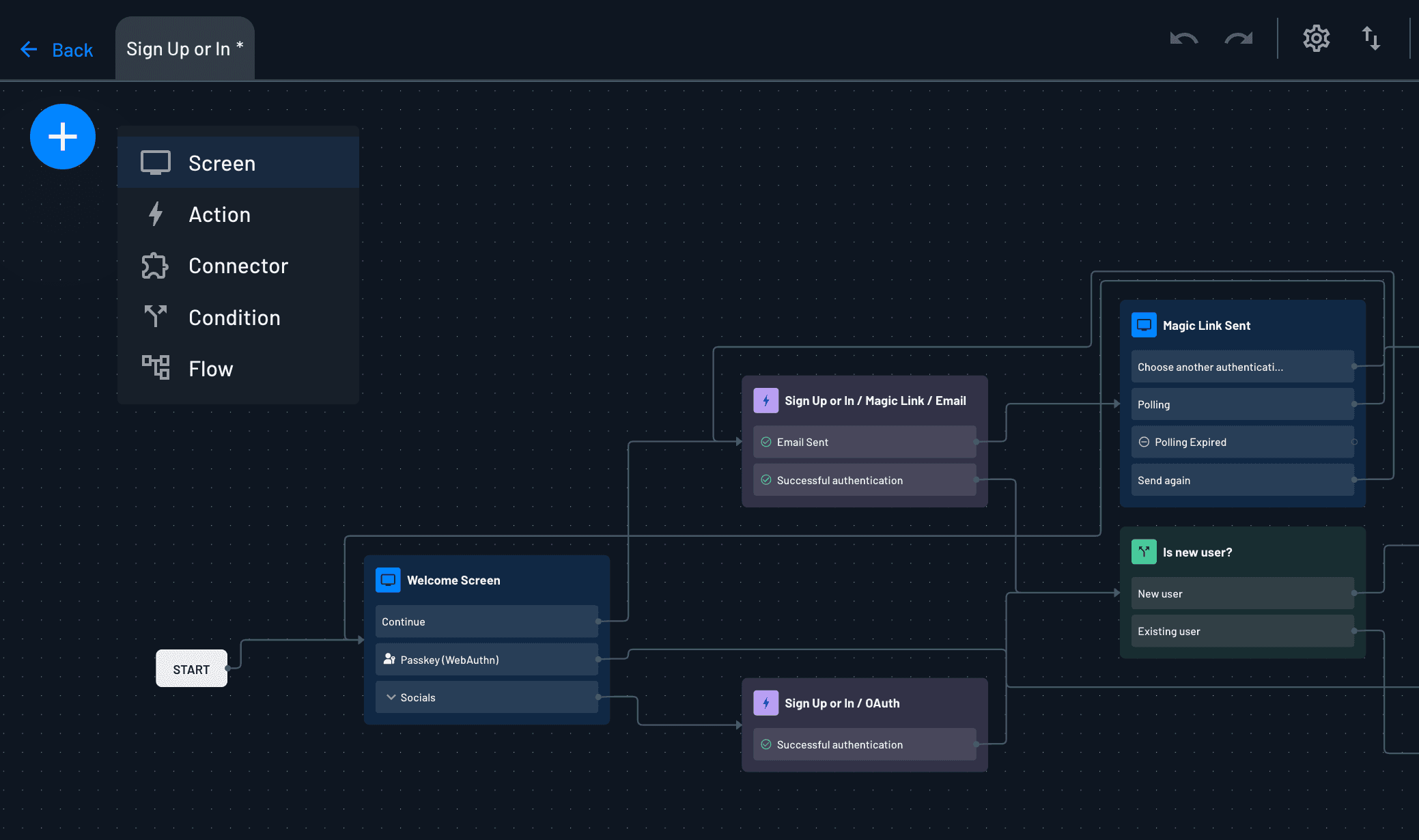
These components work together to define the logic and UI of your authentication processes.
Get Started with Flows
For detailed information about editing and managing flows, see Managing Flows.
- Start Simple: Begin with basic flows from our flow library, and gradually add complexity
- Test Thoroughly: Use the flow-runner to test all scenarios
- Monitor Performance: Track flow completion rates and user behavior and iterate on your flows accordingly