Verify Token
The Verify Token action is also available in Management Flows.
You can use the Verify Token action in a flow, or management flow, to validate Magic Link and Embedded Link tokens. For example, if you are adding a Magic Link token to your invitation link, you need to verify the token within the flow that the invitation link opens.
Additionally, you can use the Verify Token action when using Descope as an OIDC provider. By passing the t= parameter through the OIDC flow, you can verify the token using this action as well.
The same applies when using Descope as a SAML Identity Provider: a flow_token passed on the IdP-initiated URL is forwarded into the flow as t=, and can be verified with this action the same way.
How It Works
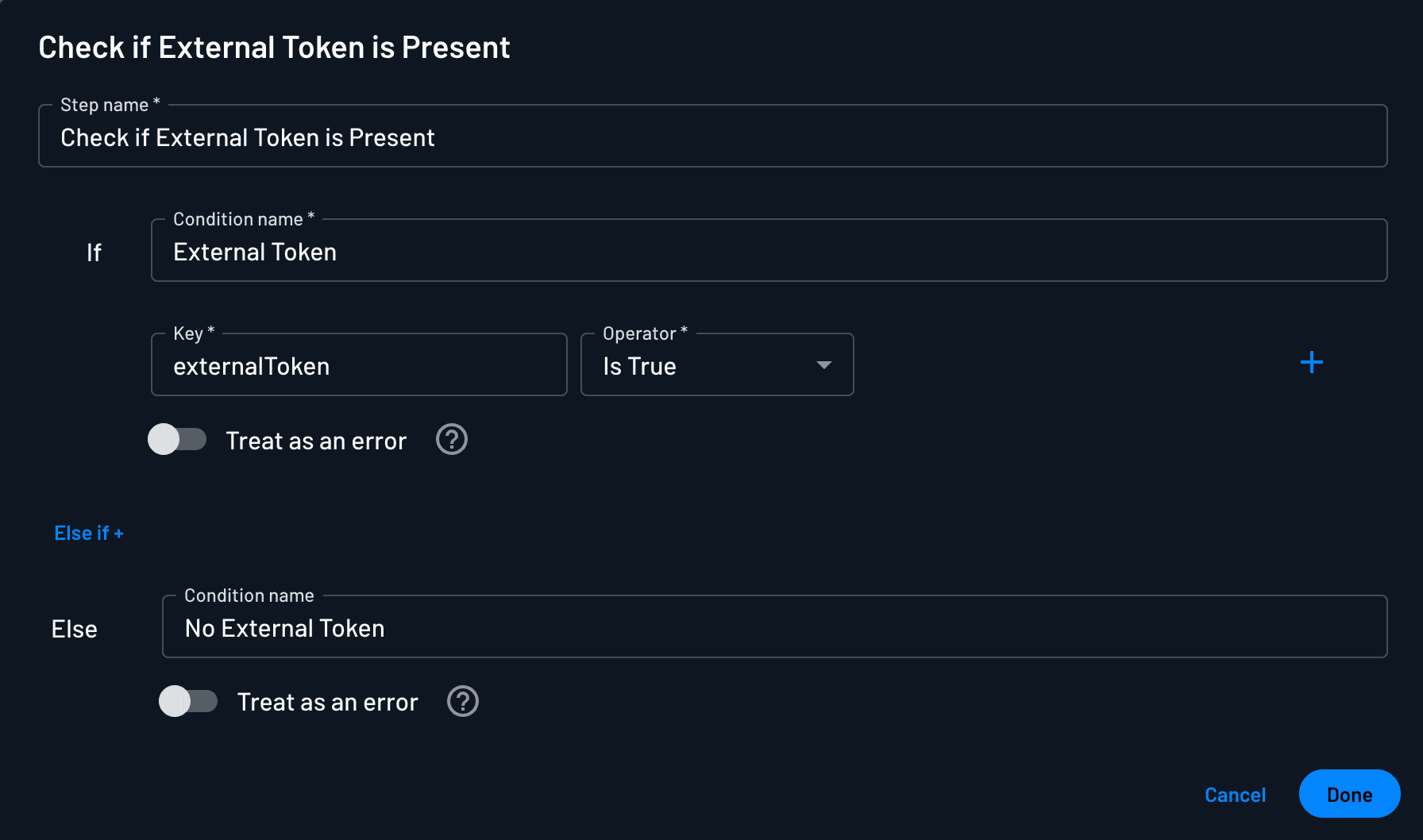
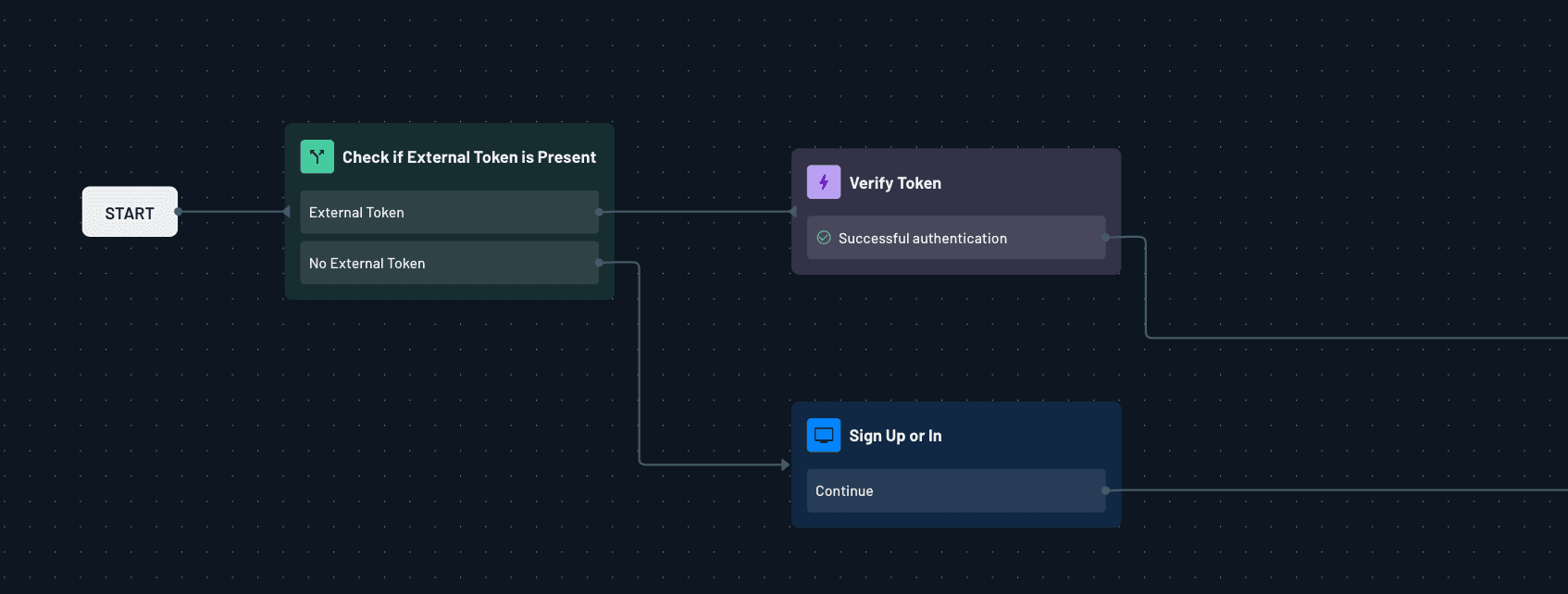
To use the Verify Token action, start your flow with a condition that checks whether a t= token is present (this covers Magic Link, Embedded Link, OIDC, and SAML IdP-initiated flow_token; all of them arrive in the flow as t=). If a token is found, proceed with the Verify Token action.
If no token is present, you can prompt the user to authenticate instead.