Deleting Your Account
You can delete your Descope account and company directly from the Descope console. This is a self-service feature that allows you to permanently remove your account, company, and all associated data.
Note
Self-service deletion is available only for free accounts and permanently deletes your company, meaning the action cannot be undone and your data cannot be recovered.
Delete Your Account and Company
To delete your account and company:
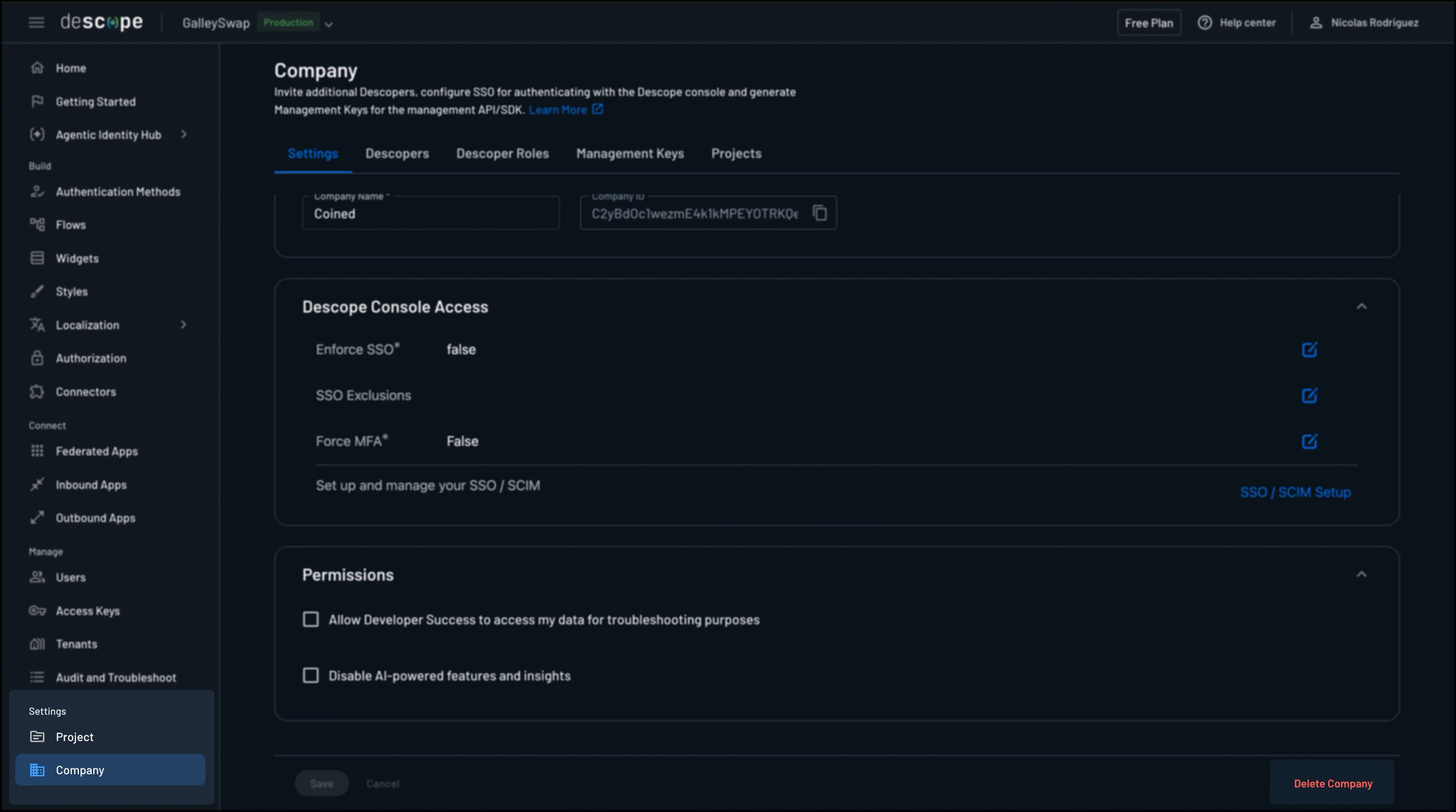
- Navigate to Company Settings
- Scroll to the bottom of the page
- Click the Delete Company button.
- In the confirmation dialog:
- Read the warning carefully - this action cannot be undone
- Type your company name exactly as shown to confirm
- Click Delete to proceed
What Gets Deleted
When you delete your company, the following data is permanently removed:
- Your company account
- All projects within the company
- All user accounts associated with the company (Descopers)
- All authentication flows and configurations
- All analytics and audit logs
- All integrations and settings
Note
If you want to keep your company but remove specific projects, you can delete them from the Project Settings.
Was this helpful?