Incode Connector
Incode is a cloud-based identity verification platform that offers computer vision capabilities for analyzing and processing images, and can be used to verify user identities. This guide shows how to use Descope's Incode Connector to verify user identities in your authentication flow.
Setting Up the Incode Connector
To integrate the Incode connector, follow the steps below:
1. Navigate to Connector
- Visit the Connectors page in the Descope Console.
- Select Incode from the list of connectors.
2. Connector Setup
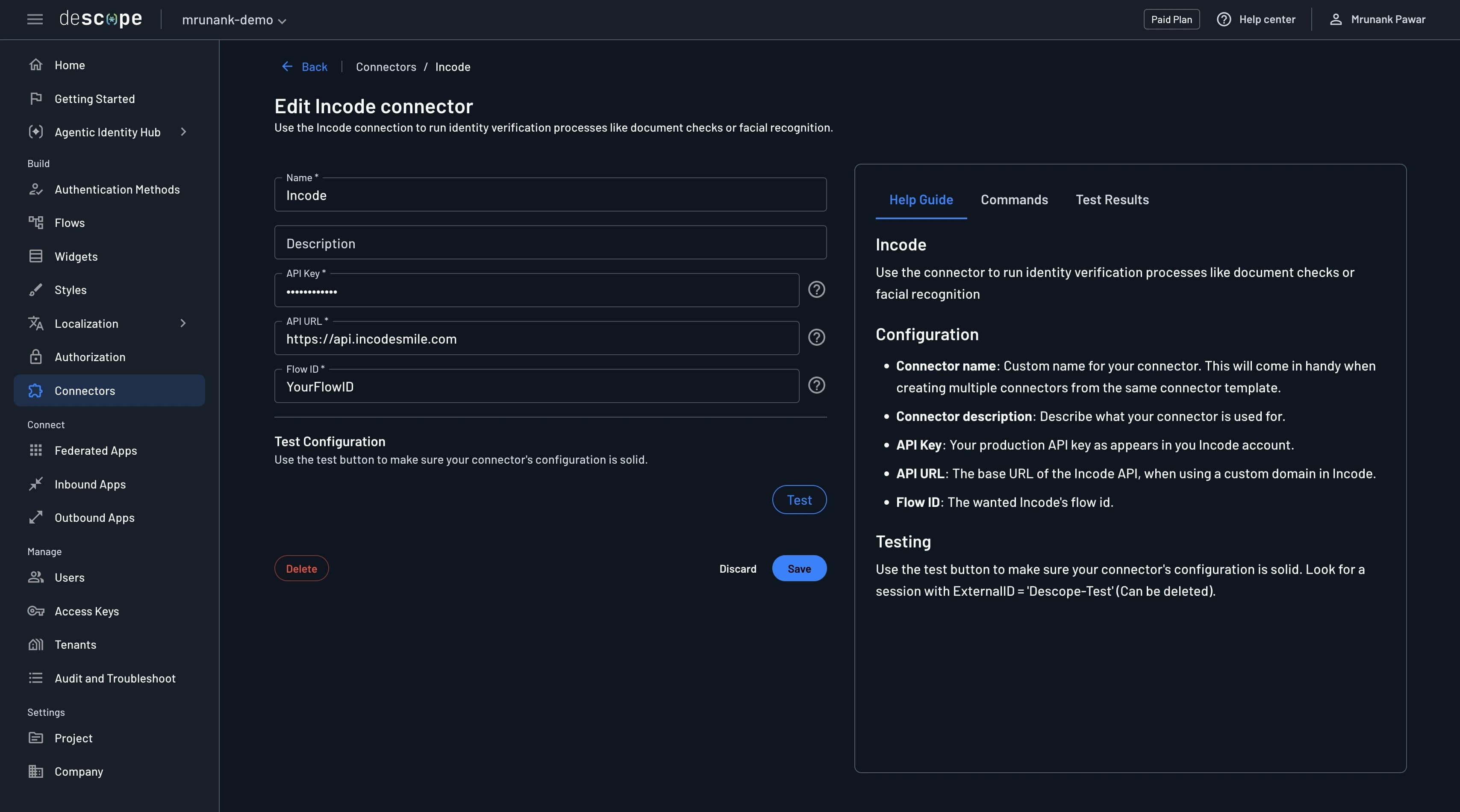
Enter the following information to configure the connector:
- Connector name: Assign a custom name for your connector, especially useful when using multiple connectors originating from the same template.
- (Optional) Connector description: A brief description of your connector's purpose.
- API Key: Your production API Key as appears in your Incode account.
- API URL: The base URL of the Incode API.
- Flow ID: The flow ID of the Incode flow you want to use.
3. Test & Save
- Validate your configuration by clicking the
Testbutton and reviewing theTest Resultssection. - Complete the setup by selecting
Create.
Implementing the Incode Connector in Your Flow
1. Select or Create a Flow
- Navigate to the Flows Page of the Descope console.
- Select an existing flow or create a new one.
2. Integration
Click on the blue plus sign inside the flow builder and choose "Connector". You should be able to see the new connector action as shown below:
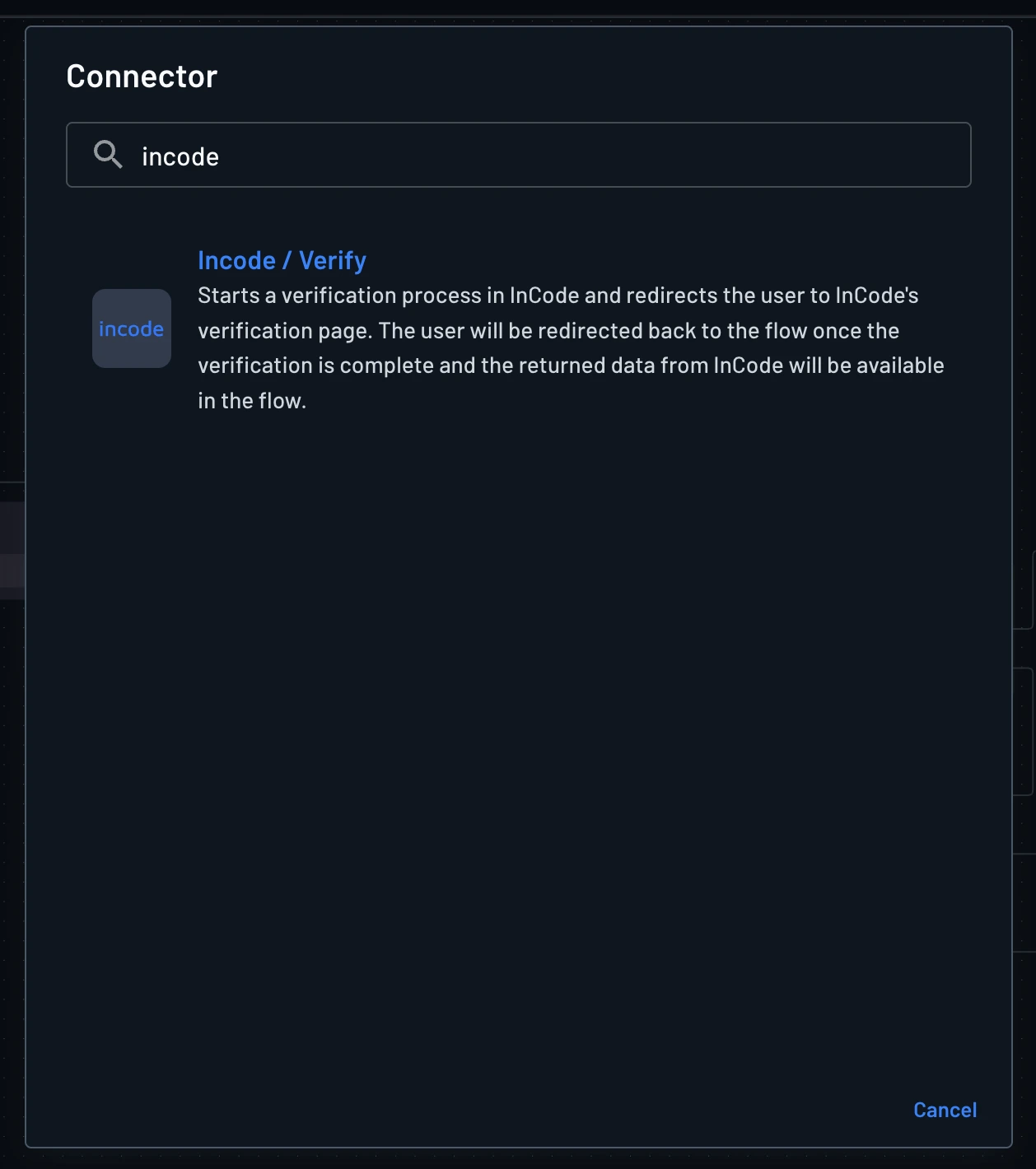
When the Incode / Verify step runs, the user is redirected to Incode to complete the verification flow configured in your connector (Flow ID). After that flow finishes, Incode redirects the user back to your Descope flow with the connector output populated.
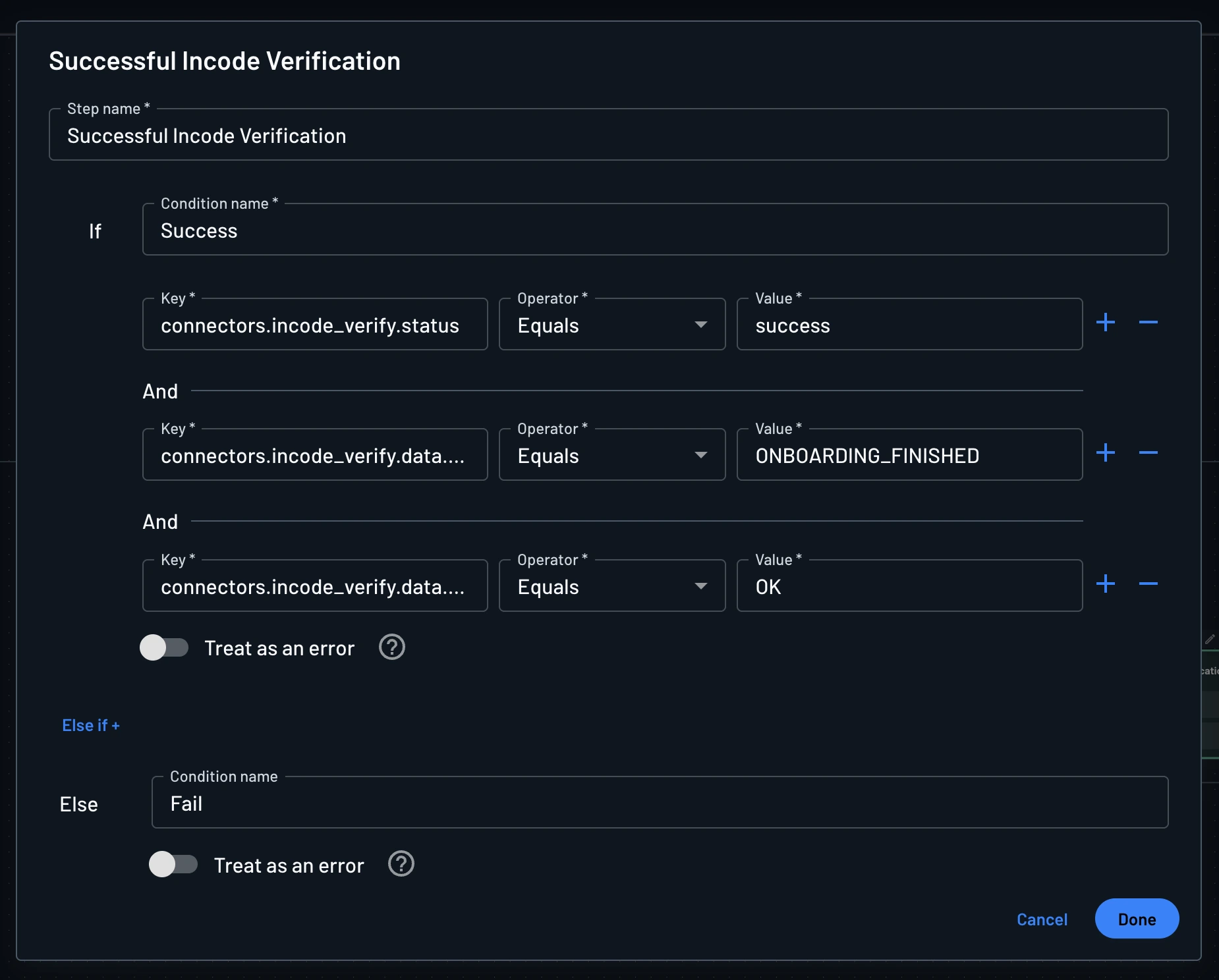
Add a condition step immediately after the connector to evaluate whether verification succeeded, using keys such as connectors.incode_verify.status, connectors.incode_verify.data.status, and connectors.incode_verify.data.score.overall.status.
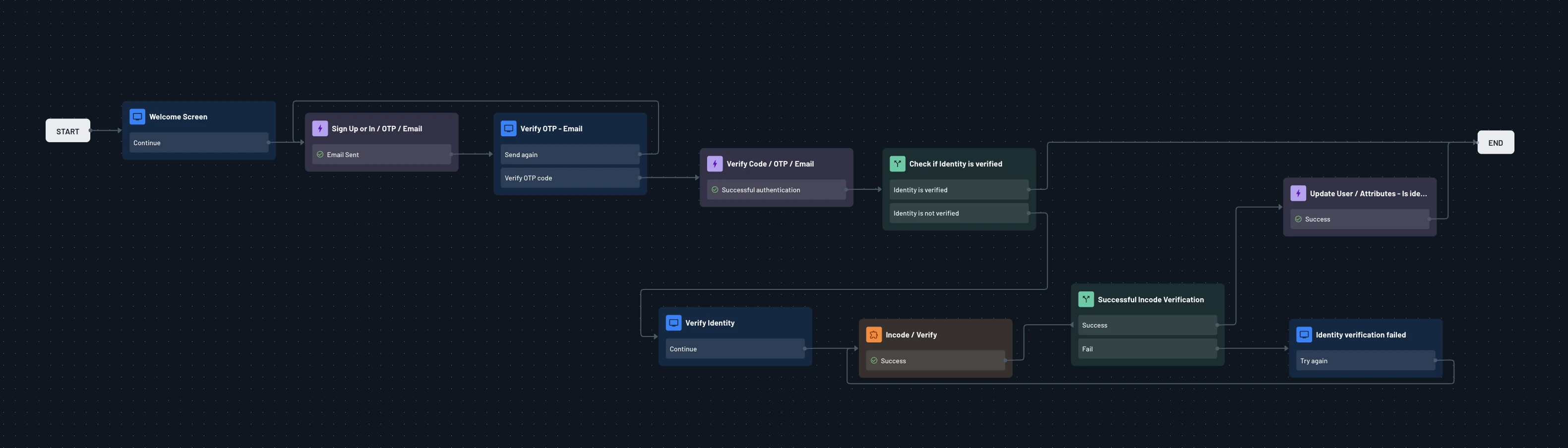
This is an example of a flow that uses the Incode connector to verify a user's identity: