Add User to Tenant
There are two ways in a flow to assign a user to a tenant. Choose based on how you expect membership to be determined.
Using the Update User / Add Tenant Action
This action updates the user's tenant based on the tenant's email domain.
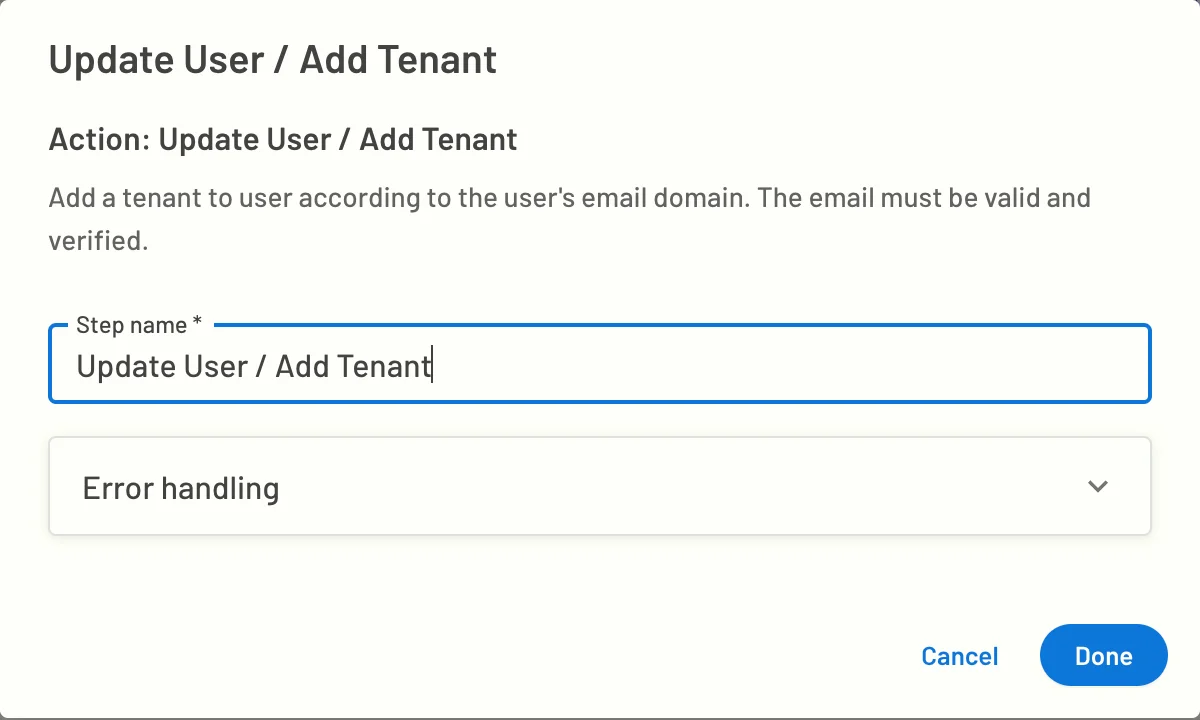
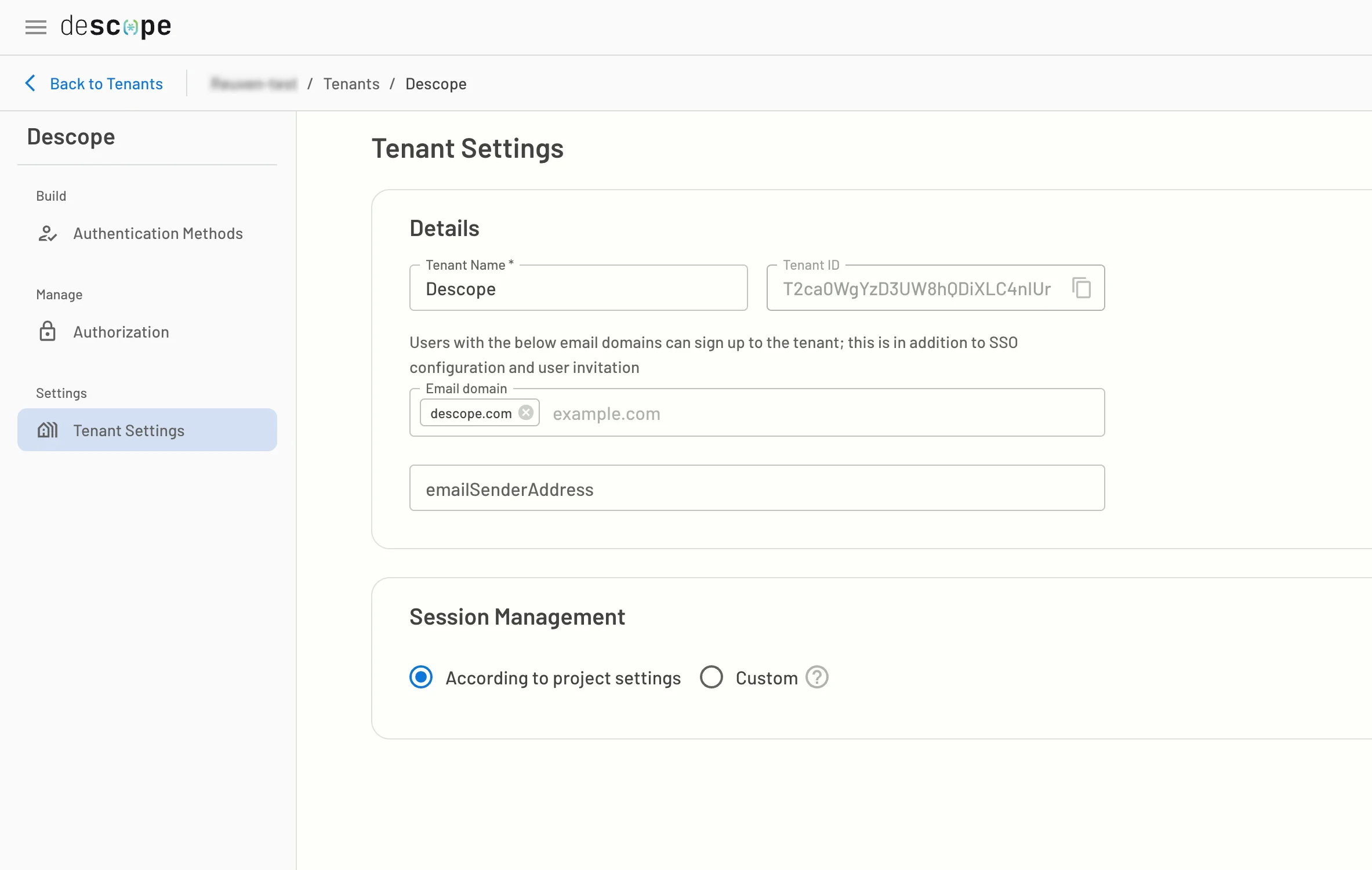
To ensure this works, set the email domain on the tenant level.
Using the User / Invite Action
This action adds the invitee to tenants based on the inviter's tenants.
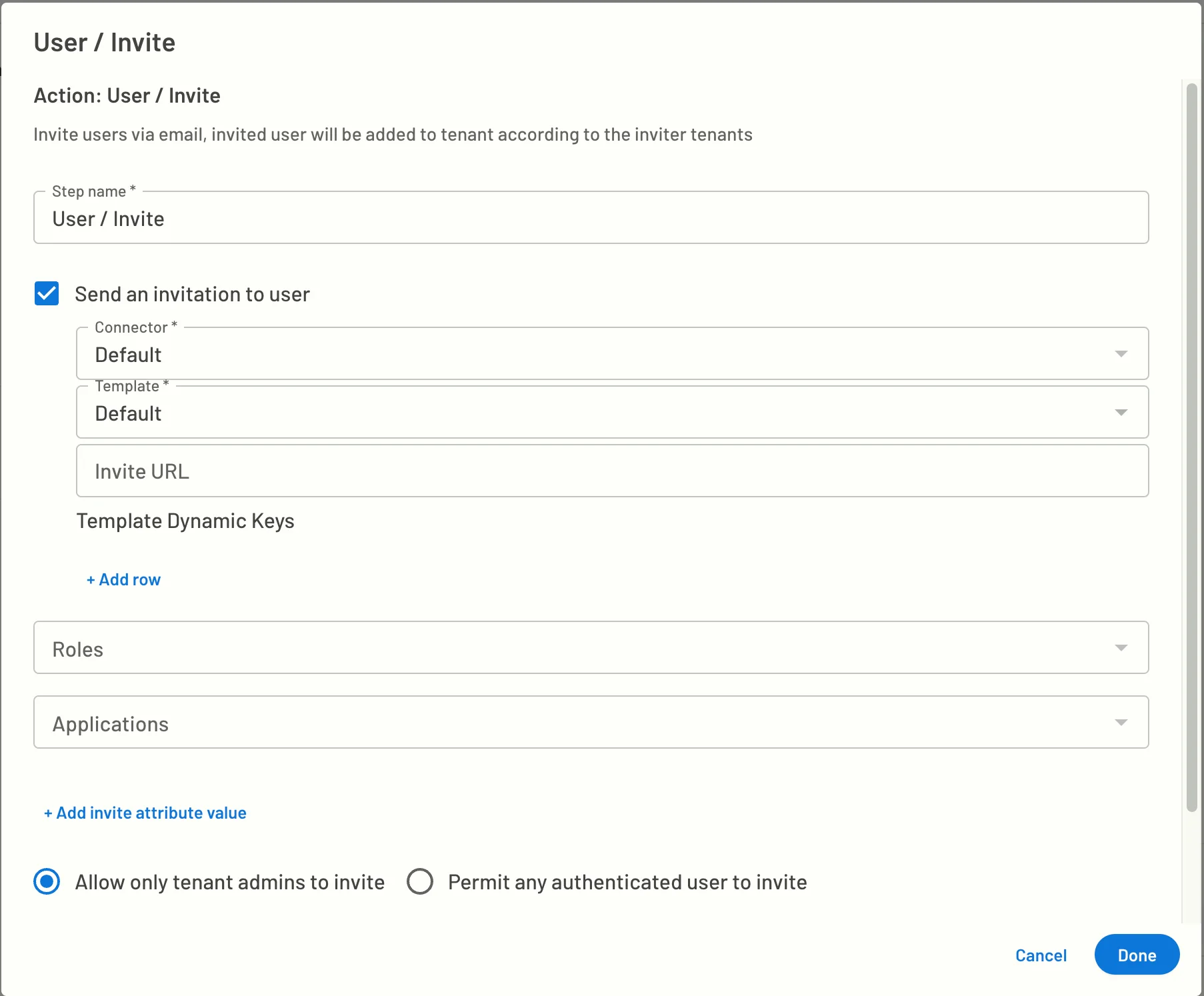
This action allows you to invite a user using a connector, as well as controlling the email template that is being sent and the URL the invitee will receive in that message.
This action also allows you to choose the Application that will be used to sign-in/up the invitee. Moreover, this allows you to control the roles the invitee will acquire while accepting the invite.
For more details on the user invite flows, see this guide.