Ethereum Wallet
This guide covers how to set up Ethereum Wallet social login in Descope.
Obtain Ethereum Client ID and Secret
Before adding the provider in the Descope Console, you must obtain a Ethereum Client ID and Secret.
To obtain a Client ID and Secret, run the curl command below. You can find your project's base url in our Multi-Region Support Guide.
curl -X POST https://oidc.login.xyz/register -d '{"redirect_uris":["https://<your-base-url>/v1/oauth/callback"]}'The response will look something like this which includes the Client ID, secret, access token, and Client URI.
{
  "client_id": "xxxxx",
  "client_secret": "xxxxx",
  "registration_access_token": "xxxxx",
  "registration_client_uri": "https://oidc.login.xyz/client/xxxxx",
  "redirect_uris": [
    "__BaseURL__/v1/oauth/callback"
  ]
}
Adding Ethereum Wallet in Descope
In the Descope Console, go to Authentication Methods → Social Login, select + Provider, then select the Ethereum Wallet card.
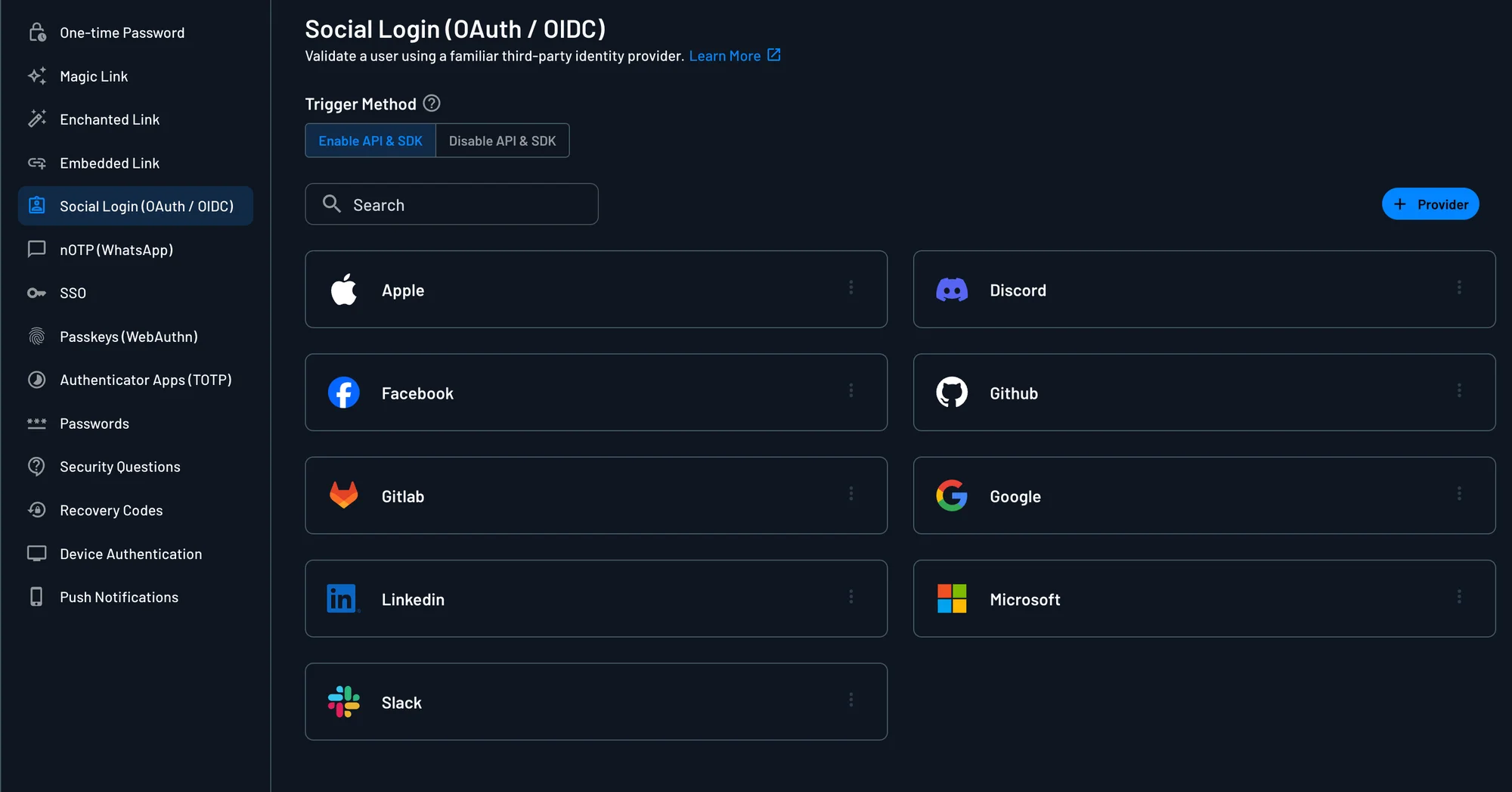
The Ethereum Wallet template fills in the endpoints, scopes, and user attribute mapping. Enter the following from your Ethereum Wallet app:
- Client ID: The
client_idfrom the registration response above. - Client Secret: The
client_secretfrom the registration response above.
For more OAuth provider settings information, check out the OAuth Settings Guide. To add Ethereum Social Login to your flow, check out our Social Login In Flows Guide.