KakaoTalk
This guide covers how to set up KakaoTalk social login in Descope.
Creating the KakaoTalk Application
Before adding the provider in the Descope Console, you must create and configure an application within your Kakao developer account. You can follow the Kakao App Setup Guide for details on creating your application.
When you create your app within the Kakao Developers Console, you must configure the redirect URI. Set the redirect URI to be https://<your-base-url>/v1/oauth/callback. You can find your project's base URL in our Multi-Region Support Guide.
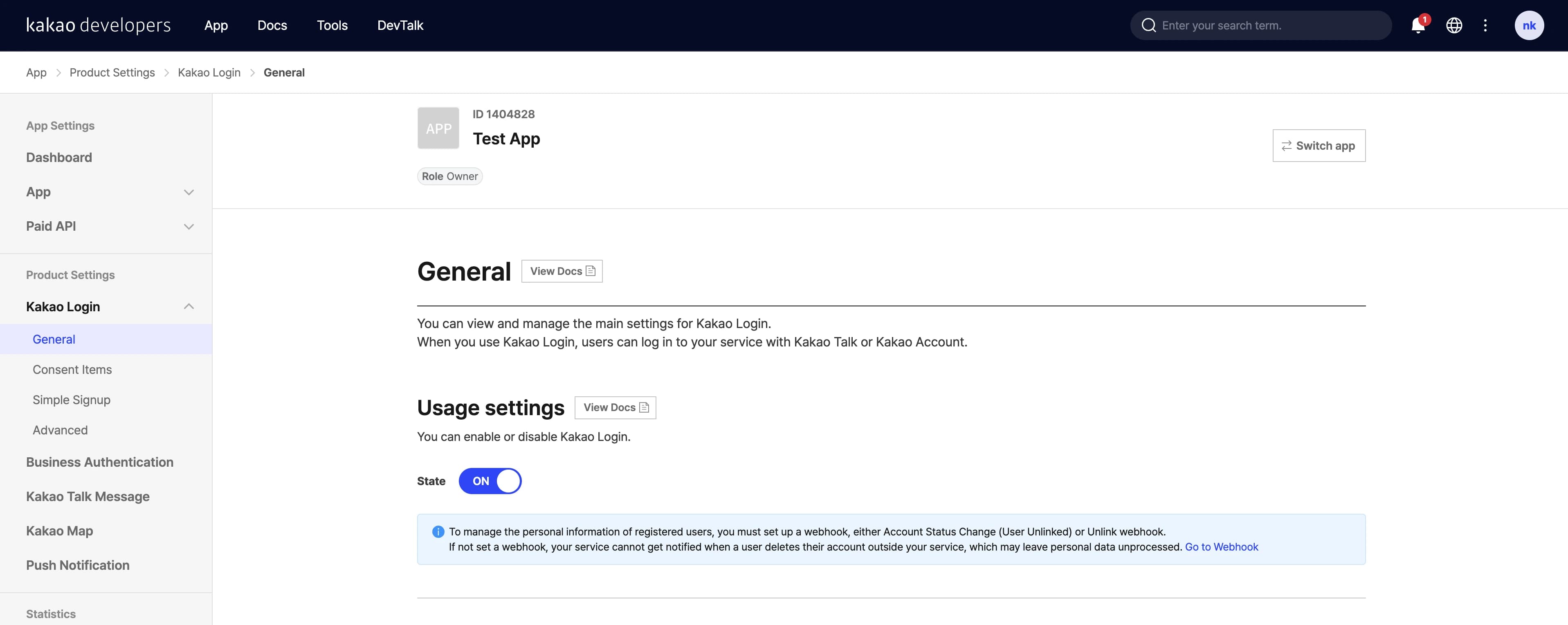
Additionally, make sure Kakao Login is activated for your app under Product Settings -> Kakao Login.
Adding KakaoTalk in Descope
In the Descope Console, go to Authentication Methods → Social Login, select + Provider, then select the KakaoTalk card.
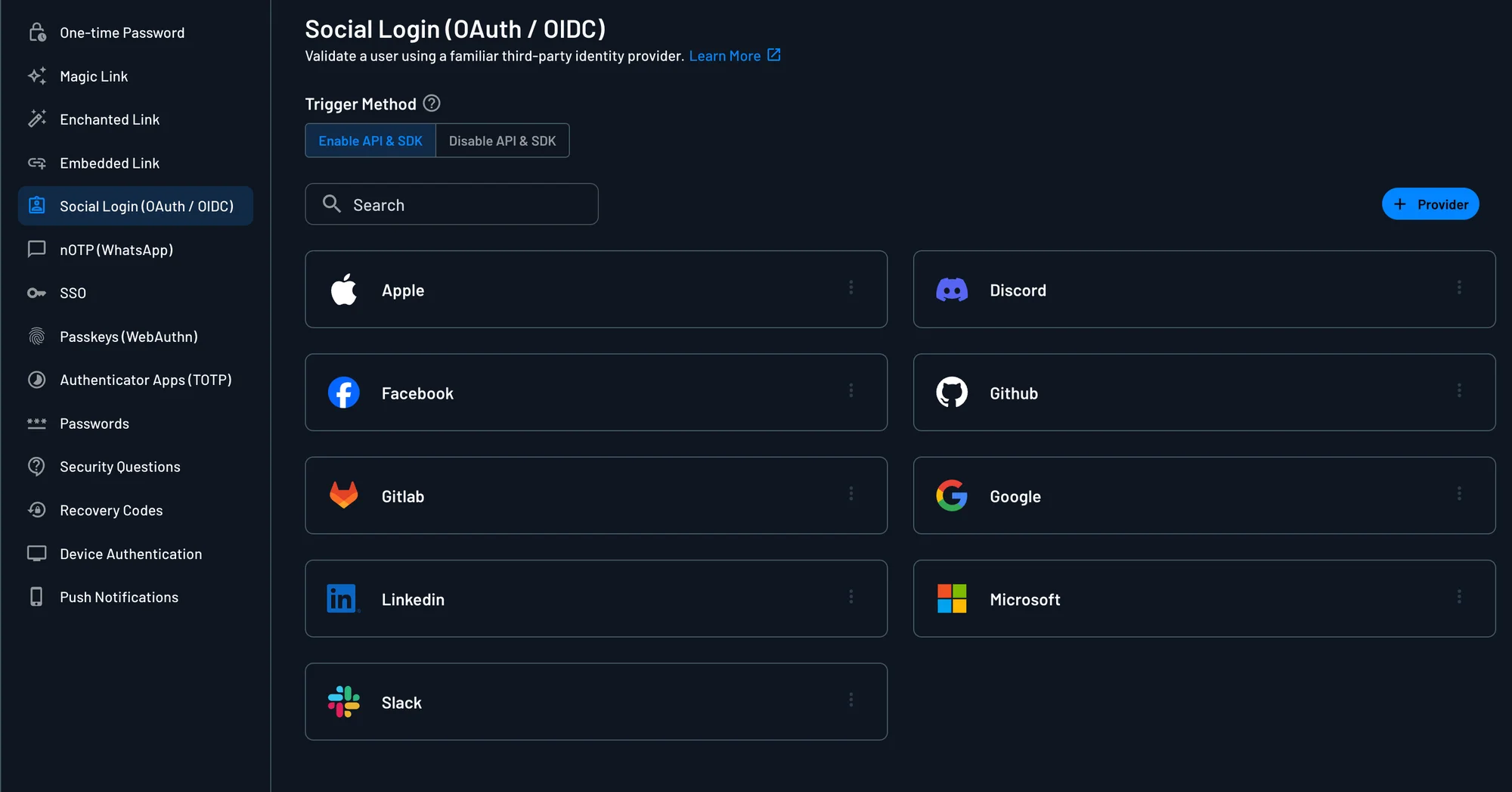
The KakaoTalk template fills in the endpoints, scopes, and user attribute mapping. Enter the following from your KakaoTalk app:
- Client ID: The REST API Key of your Kakao app. You can find it under App -> Platform Keys in the Kakao Developers Console.
- Client Secret: The Client Secret of your Kakao app. You can enable and retrieve it under App -> Platform Keys.
For more OAuth provider settings information, check out the OAuth Settings Guide. To add KakaoTalk Social Login to your flow, check out our Social Login In Flows Guide.