External Authentication
The External Authentication flow action lets you delegate authentication to your existing login system, then continue the Descope flow after your external auth completes.
This is useful when you want to keep your current login UX and backend, while still issuing Descope tokens for downstream use cases.
This action behaves as a sign up or in action:
- If
loginIddoes not exist, Descope creates a new user. - If
loginIdalready exists, Descope signs in that existing user.
How it Works
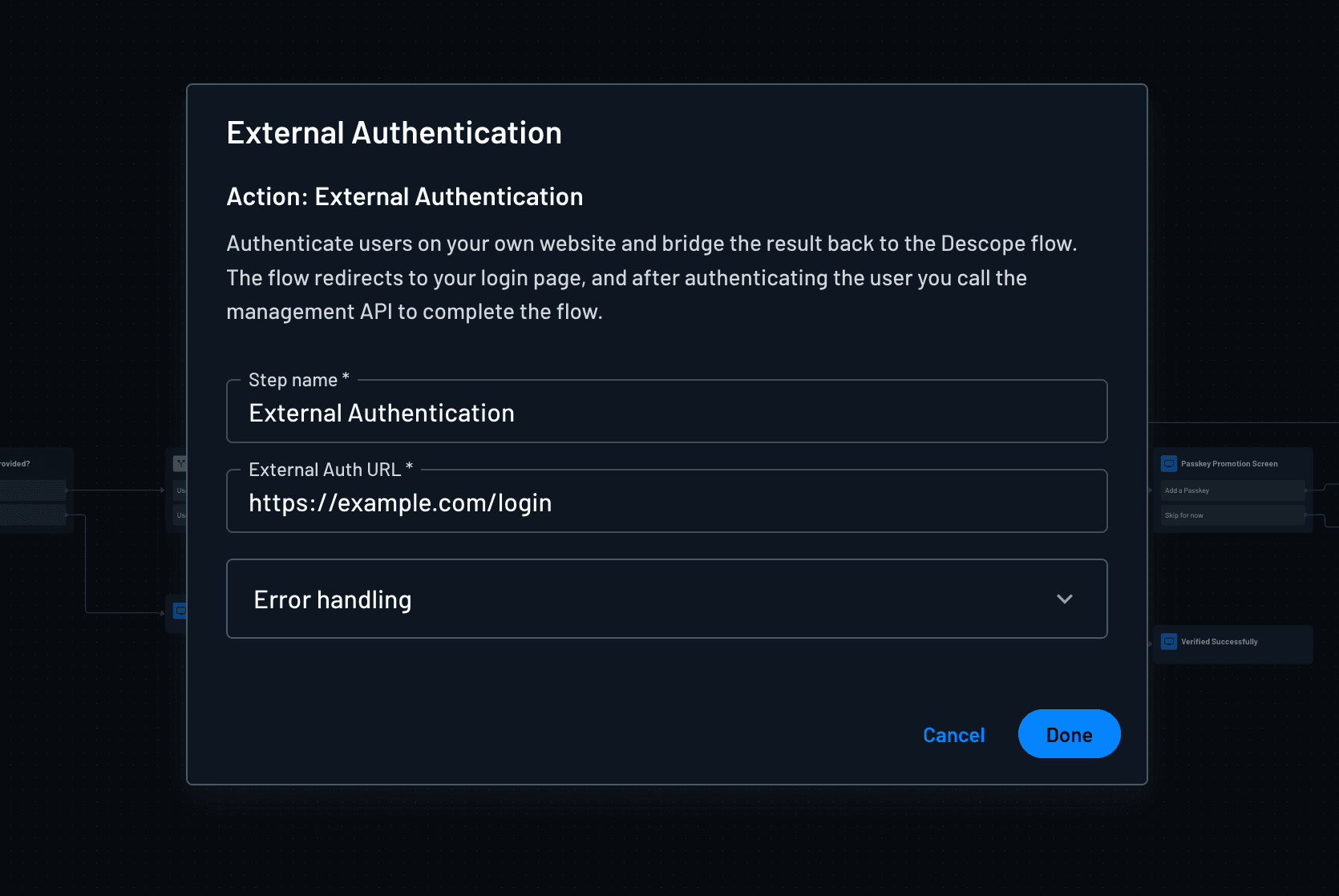
- In your Descope flow, add the External Authentication action and configure your
External Auth URL.
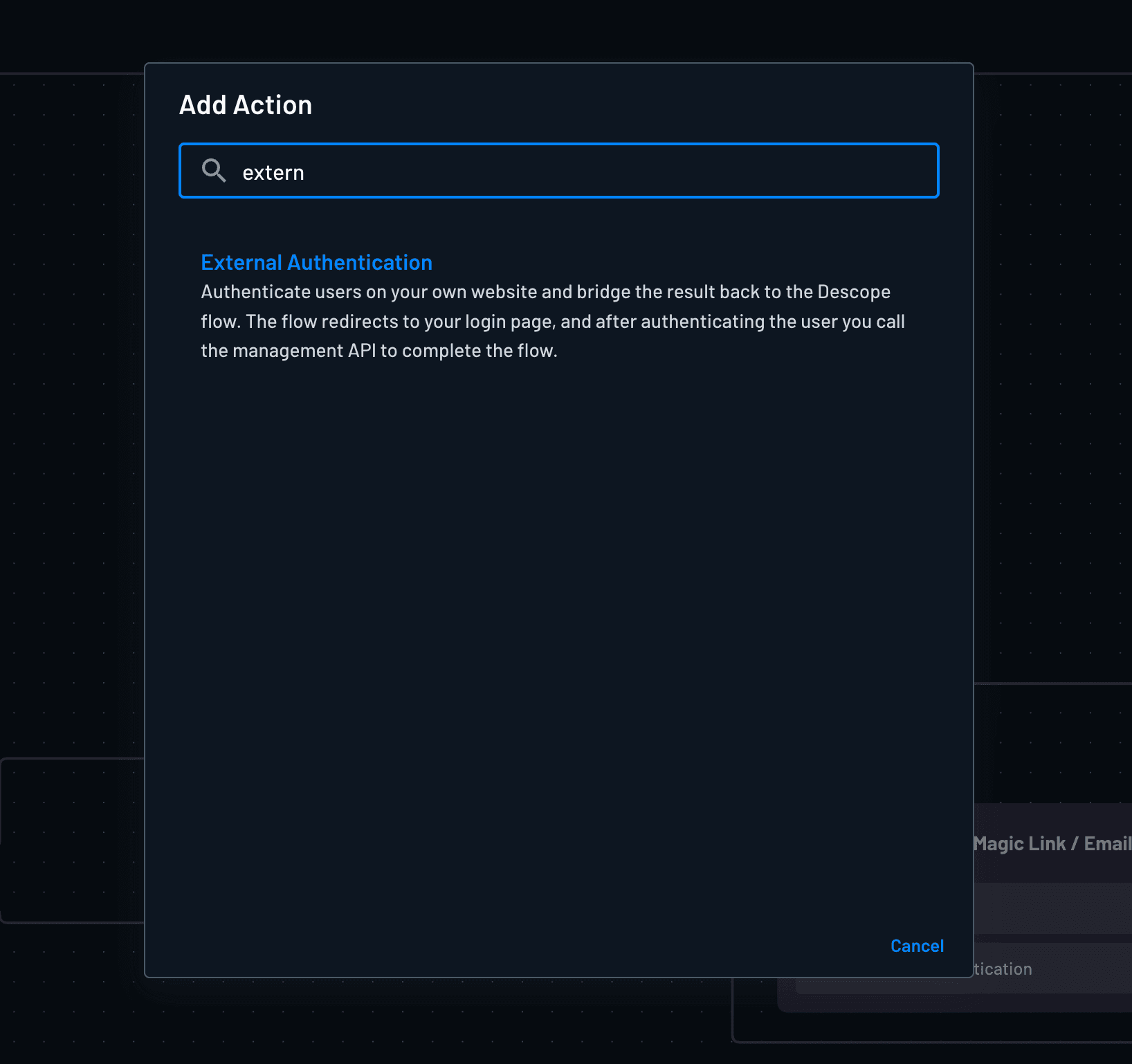
- During runtime, the flow redirects the user to that login URL, preserving your authentication user experience.
- Descope appends an external auth request identifier to the login URL as a query parameter (
external_auth_req_id). - Your external login app authenticates the user.
- Your backend completes the flow by calling the management API:
POST /v1/mgmt/flow/externalauth/complete- Include the request ID as
externalAuthReqIdin the body
- Descope responds with a redirect URL back into the flow, and the user continues from there.
Bring Your Own Auth for MCP
For the end-to-end MCP pattern using External Authentication in a user consent flow, see the Bring Your Own Auth docs.
Completing External Authentication via Management API
Use your Project ID and Management Key in the authorization header:
curl -X POST "__BaseURL__/v1/mgmt/flow/externalauth/complete" \
  -H "Authorization: Bearer <Project ID>:<Management Key>" \
  -H "Content-Type: application/json" \
  -d '{
    "externalAuthReqId": "be83dd51761c34372db888becadf8ebf",
    "loginId": "<any login ID, can be email or username>",
    "emailVerified": true,
    "phoneVerified": false,
    "customClaims": {
      "source": "external-auth"
    },
    "selectedTenantId": "tenant-id-123",
    "userTenants": [],
    "user": {
      "givenName": "Kevin",
      "familyName": "Gao"
    }
  }'
Request Fields
Note
The externalAuthReqId field is a one-time flow-bound identifier that cannot be re-used. It is tied to a unique authentication request for security purposes.
externalAuthReqId: Request ID received from the external auth redirect query parameterloginId: Login identifier for the user (for example email or username)user: Optional user profile fields (for examplegivenName,familyName)emailVerified: Whether email is already verified in your source systemphoneVerified: Whether phone is already verified in your source systemcustomClaims: Optional claims to include in the resulting flow/token contextselectedTenantId: Optional tenant to set as active tenant context (dct) in the downstream Descope session tokenuserTenants: Optional array of user-tenant associations, allowing you to associate the user (new or existing) with multiple tenant IDs
Response Fields
redirectUrl: URL to redirect the browser back into the Descope flow
Tenant Association
Note
If you are using Connections with your MCP tools, review Multi-Tenancy with Connections for how to handle the multi-tenancy scenario with Connection tokens.
If you want to associate the user with one or more tenants, pass userTenants as an array in the completion request. The values in the array should be the tenant IDs of the associated tenants.
If you want to set the active tenant context for the resulting session, pass selectedTenantId. This populates the dct claim in the downstream Descope session token and is used as tenant context for downstream flow actions like Outbound App / Connect.
Note
To use this dct tenant-context behavior, ensure your JWT template is enabled for your project or MCP server with authorization claims configured to include dct. See JWT templates.
If the tenant does not exist yet in Descope, create it first using the Management SDK/API before calling external auth completion.