Project Versioning
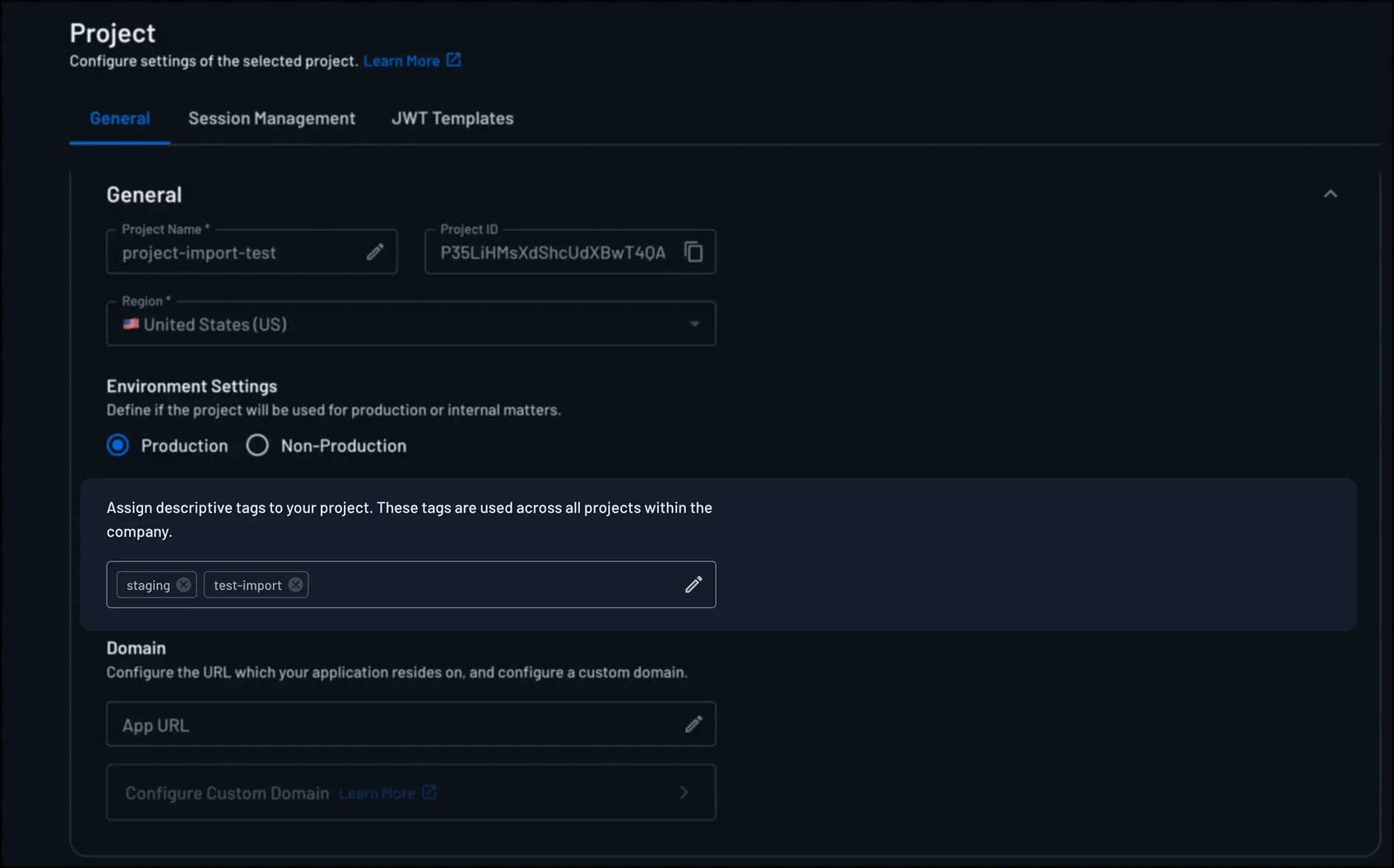
In Descope, you can manage project versioning using project tags. Tags help you label and track different versions of your project, especially when working across multiple environments like development, staging, and production. They make it easier to see which version is deployed and maintain a clean version history.
This guide explains how project tags work and how you can use them to manage versioning across your Descope projects.
Using Project Tags for Versioning
Project tags are simple labels that you attach to a project to help you keep track of its versions. They make it easy to see which version is running in each environment, and understand when configurations or authentication flows have changed. For example, you can use tags like version-2 or branch-feat-add-new-flows to label and identify specific releases or flow updates.
Tags also make troubleshooting easier by helping you identify when you need to roll back to an earlier version, and they let you quickly compare environments to ensure they're staying aligned.
When you export your project, you can add projectTags field to the project.json file.
This field is an array of strings, and you can define multiple project tags as strings.
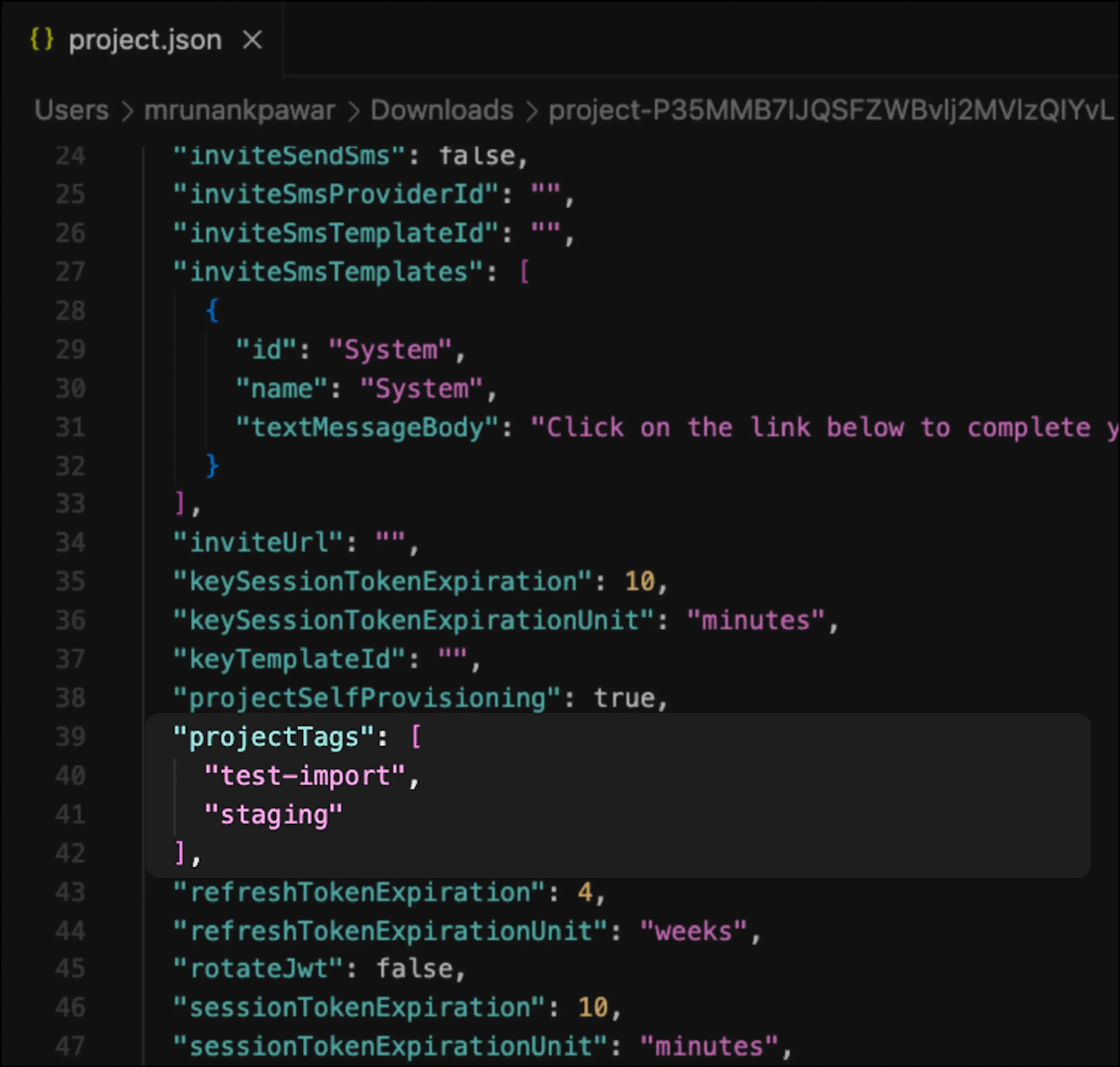
When you import the project with any tags defined in the projectTags field, the new project tags will override any existing tags and be displayed in the Project page of the Descope Console.